

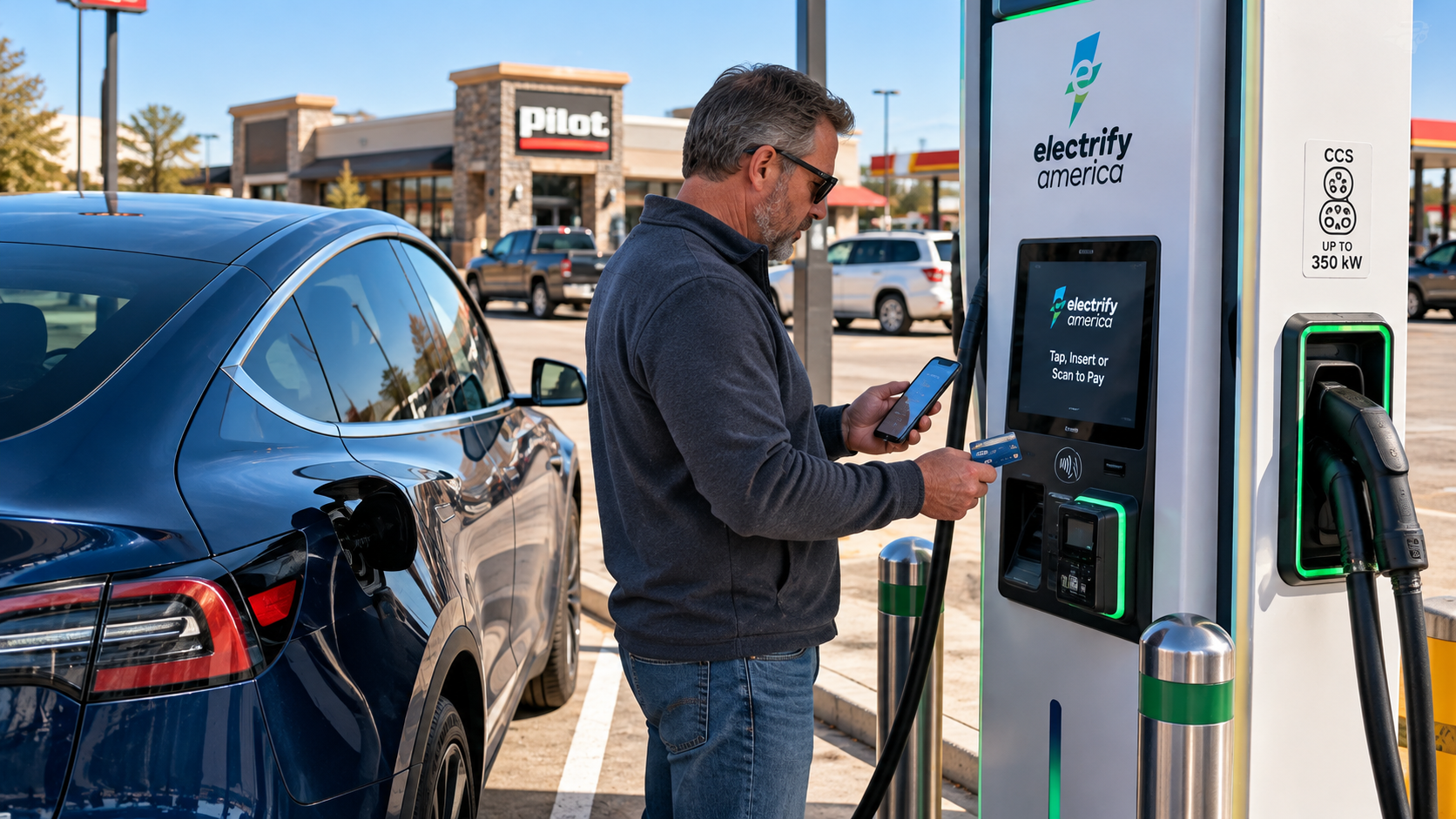
How Do You Pay for Public EV Charging?
Your road trip takes you beyond your usual charging network. Here's how to find another charger, make sure it fits your EV, and pay for the electricity.
Your EV's navigation system has mapped out your road trip, complete with charging stops. Perfect.
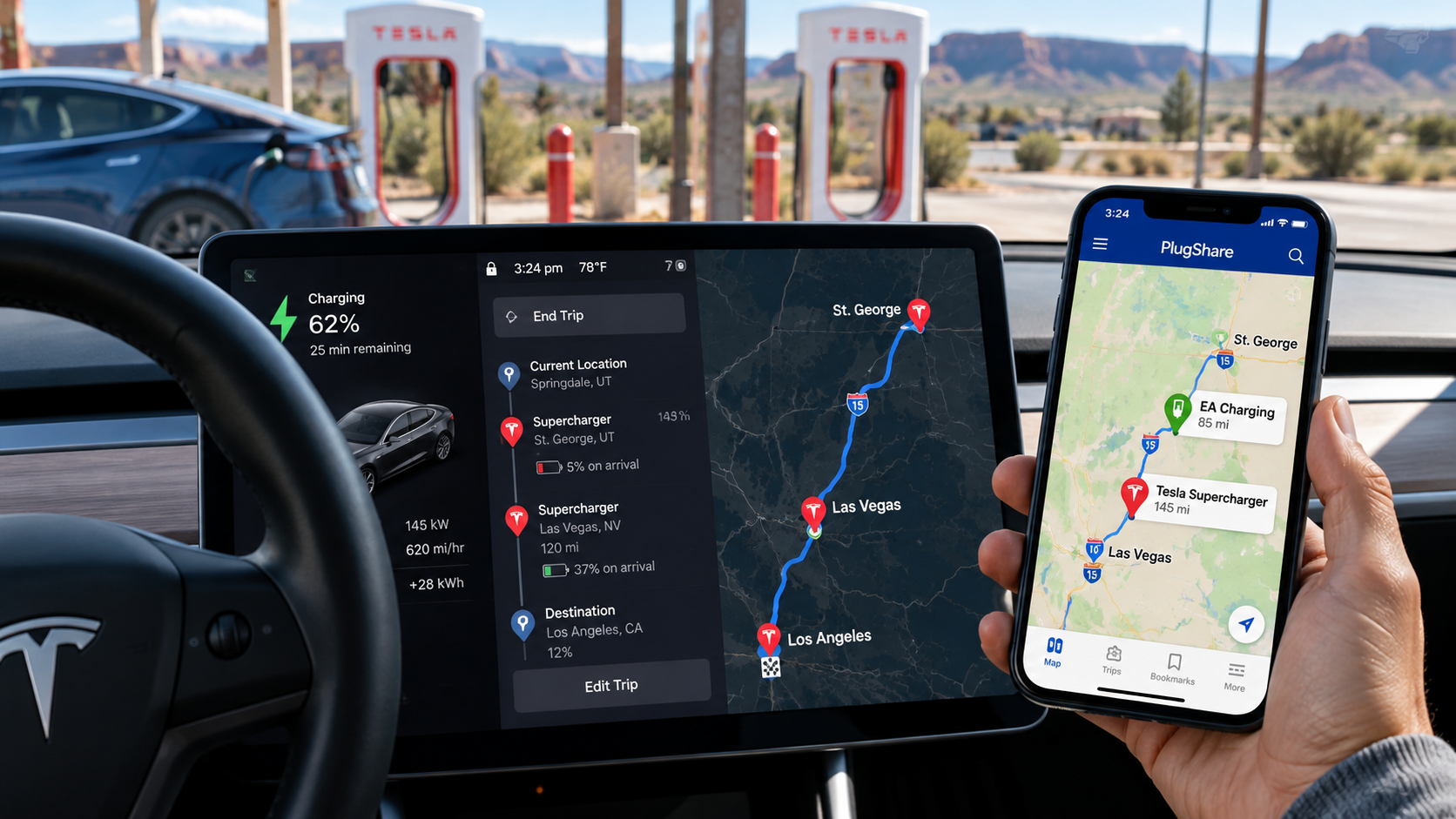
But looking ahead, you notice a long stretch without a convenient stop on your usual charging network. Maybe the next Tesla Supercharger is farther away than you'd like, and the projected battery level on arrival leaves little room for error.
Do you have to change your route?
Not necessarily. There may be other public fast chargers along the way. You just need to know where to find them, whether they'll work with your vehicle, and how to pay.
Finding a Charger Outside Your Usual Network
Two tools worth knowing are PlugShare and A Better Routeplanner, commonly called ABRP.
PlugShare helps you locate charging stations across different networks. You can filter by connector type and charging speed, then check recent driver reports for potential problems.
ABRP helps plan an EV road trip with charging stops based on your vehicle, route, and battery needs.
Imagine your Tesla's navigation estimates you'll arrive at the next Supercharger with just 5% battery remaining. PlugShare reveals a compatible fast charger much closer along your route.
That shorter stop could give you a more comfortable battery reserve, provided the station is working and accessible.
Your vehicle's suggested charging stop isn't necessarily your only option.
Will the Plug Fit Your Car?
Before heading to an unfamiliar charging station, check its connector.
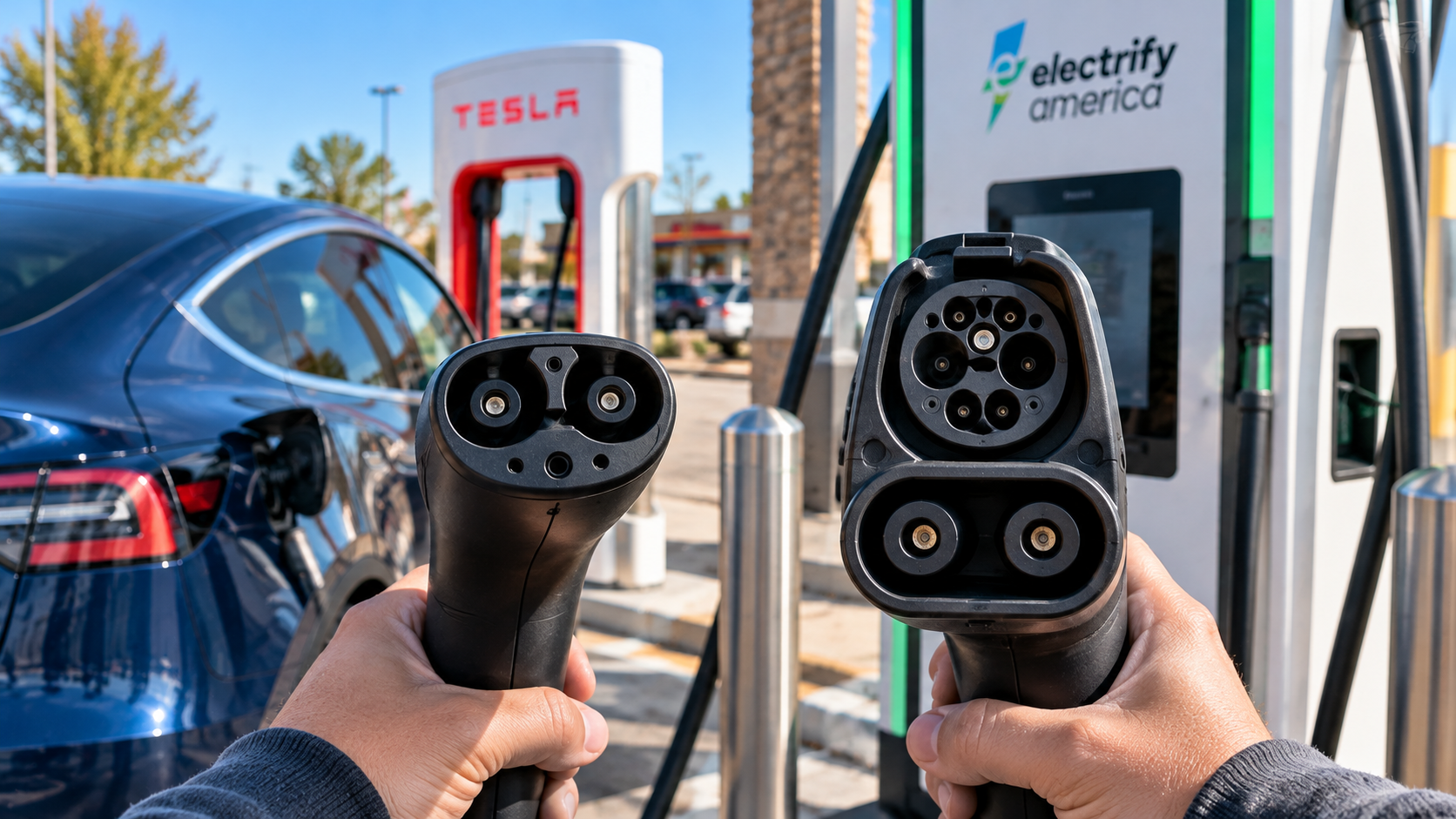
For DC fast charging in North America, you'll commonly encounter two types:
NACS (J3400): The smaller Tesla-style connector, now adopted by a growing number of other manufacturers.
CCS1: The larger connector found on many non-Tesla vehicles and public fast chargers.
Some charging stations offer both. Others may offer only one.
If you're driving a Tesla and find a CCS1-only station, you may need a compatible CCS1-to-NACS fast-charging adapter. Tesla offers an official CCS1 adapter, but compatibility depends on your vehicle, and some older Teslas require a retrofit.
The small J1772 adapter used for slower destination charging will not work at a CCS fast charger.
For other EVs, check the manufacturer's guidance on supported adapters and charging networks.
And remember, connector compatibility isn't the same as payment compatibility. Even if the plug fits, you may still need to authorize the session separately.
Three Public Charging Networks Worth Knowing
Outside your vehicle's usual charging arrangements, three names you'll frequently encounter are Electrify America, EVgo, and ChargePoint.
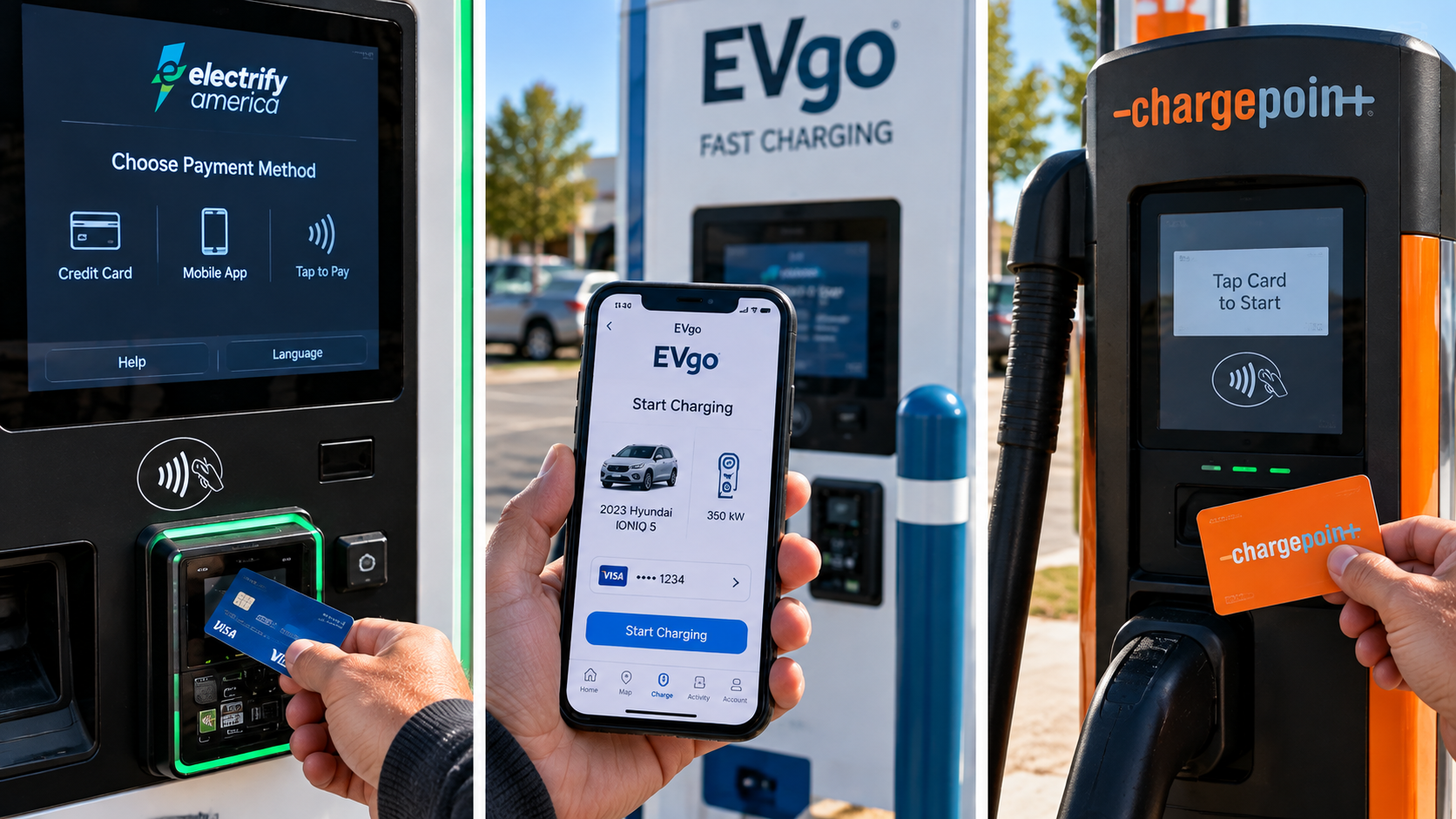
Each offers more than one way to pay, although the options available can vary by station.
Electrify America
Electrify America operates DC fast chargers across the United States.
How to pay: Use a credit or debit card at the charger, or start a session through the Electrify America app with a linked payment method. You can pay as a guest without joining.
Membership: The free Pass account supports app-based charging. Pass+ costs $7 per month and offers savings of approximately 25% on charging.
Before you go: Check the connector options and station availability in the app. A Tesla may need a CCS1 fast-charging adapter at stations without a compatible NACS connector.
EVgo
EVgo operates public fast chargers in cities, shopping areas, and along travel routes.
How to pay: Use the EVgo app, a supported credit card terminal or payment kiosk, or an EVgo RFID program card. Eligible vehicles enrolled in Autocharge+ can also start sessions automatically.
Membership: EVgo offers a free Pay As You Go plan and paid Plus and PlusMax plans with potential savings. Paying directly by credit card can involve an additional transaction fee.
Before you go: Check the station's supported payment methods. Not every EVgo location accepts direct card payment at the charging unit.
ChargePoint
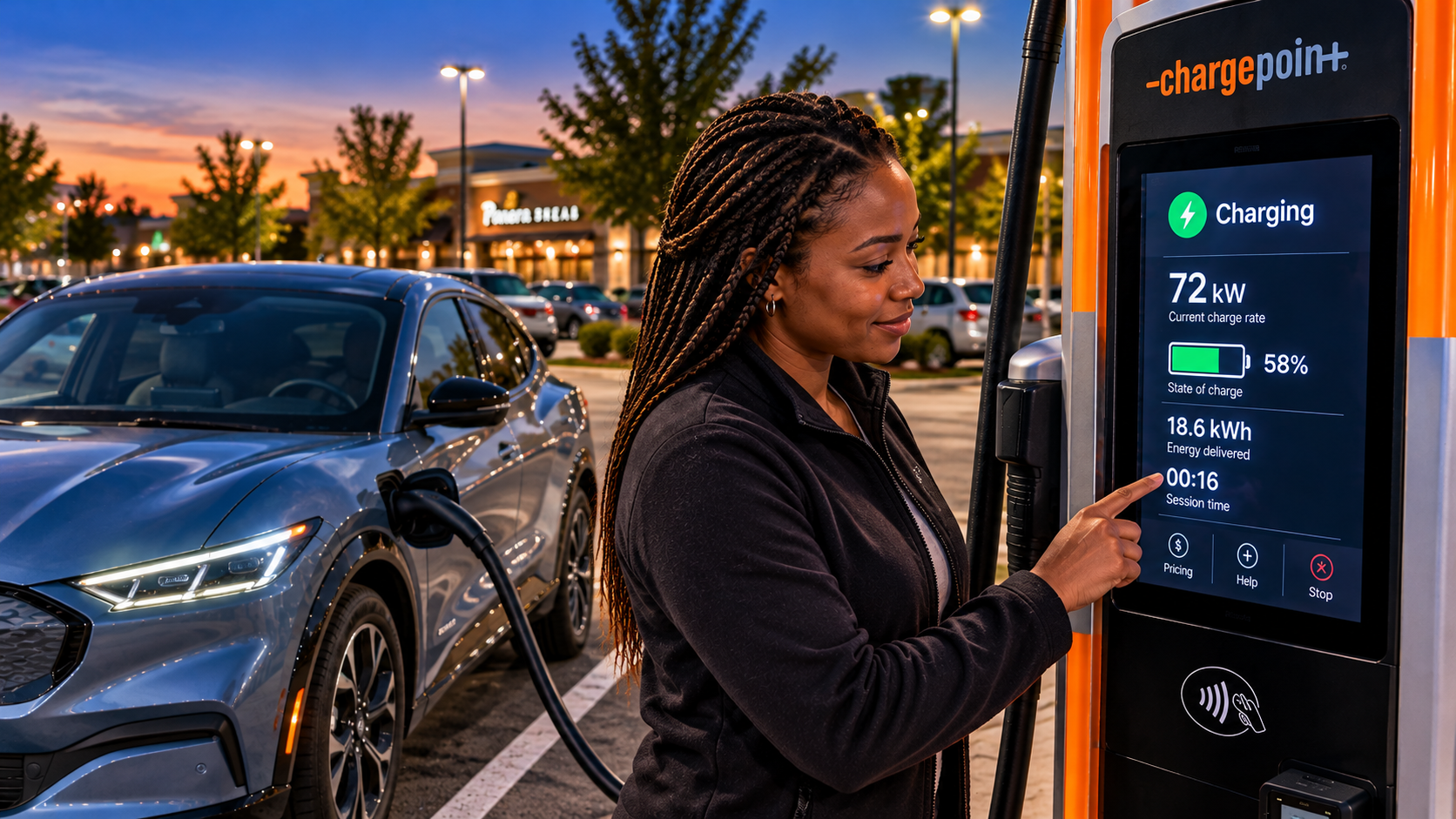
ChargePoint has chargers at businesses, hotels, parking garages, and public facilities, along with highway fast-charging locations.
How to pay: Use the ChargePoint app, a linked RFID card, or supported contactless payment methods. Guest payment options are also available.
Membership: A standard ChargePoint account is free. Registered users can qualify for lower service fees than guests at certain paid stations.
Before you go: Make sure you've selected a DC fast charger if you need a quick highway stop. ChargePoint also has many slower Level 2 chargers intended for longer parking stays.
The important takeaway? The payment method shown in a photograph isn't necessarily the only way to pay at that network. Check the specific station's instructions before arriving.
Plugged In? Make Sure You're Actually Charging
You've found a compatible charger and authorized payment. Almost done.
Follow the station's instructions for connecting the cable and starting the session. Some networks have you plug in first; others guide you through payment authorization before charging begins.
Before walking away, confirm the vehicle or charging station shows an active session.
If nothing happens, double-check the charger number selected in the app, your payment method, and the instructions on the screen.
If the card reader fails, try another supported payment method. Most charging stations also display a customer support number.
Be cautious about QR-code stickers directing you to unfamiliar payment websites. Electrify America specifically advises that it does not require QR-code payment. When in doubt, use the network's official app or verified website.
Curated Upgrades Recommends
🟢 Go for it! Download PlugShare and A Better Routeplanner before your next EV road trip. They're useful for finding alternative charging stops when your vehicle's navigation doesn't offer a comfortable option.
🟢 Go for it! Download the official Electrify America, EVgo, and ChargePoint apps. Set up free accounts and payment information before you need them. A few minutes at home can save considerable frustration at a roadside charger.
🟡 Maybe. Consider paid charging memberships if you'll use a particular network repeatedly. Compare the subscription fee against your expected savings, and remember to check the renewal terms.
What Will It Cost?
Unlike gasoline stations, public EV chargers generally don't advertise prices on large roadside signs.
Check the charger's screen or the network's app before starting. Prices and fees can vary by station and payment plan.
We'll cover that in How Much Does Public EV Charging Cost?, including charging subscriptions, unexpected fees, and rental EV billing.
The Bottom Line
Your EV's normal charging network may be the easiest choice, but it isn't necessarily your only choice.
When a road trip takes you beyond it, remember four things:
Find the charger. Check the connector. Know how to pay. Confirm it's charging.
A little preparation can turn an unfamiliar charging stop into an ordinary part of the journey.